Quote:
Originally Posted by Trans Canada

You can grab a direct full-size jpg file from the webpage by looking through "Inspect Element" on Google Chrome. Right click in the page and hit Inspect Element, then dig through the code until you can find a .JPG url (within Inspect Element you can use Ctrl+F to find "JPG"). Open the image in this URL and host it elsewhere (I use imgur). See below for where the jpg is found in the code.
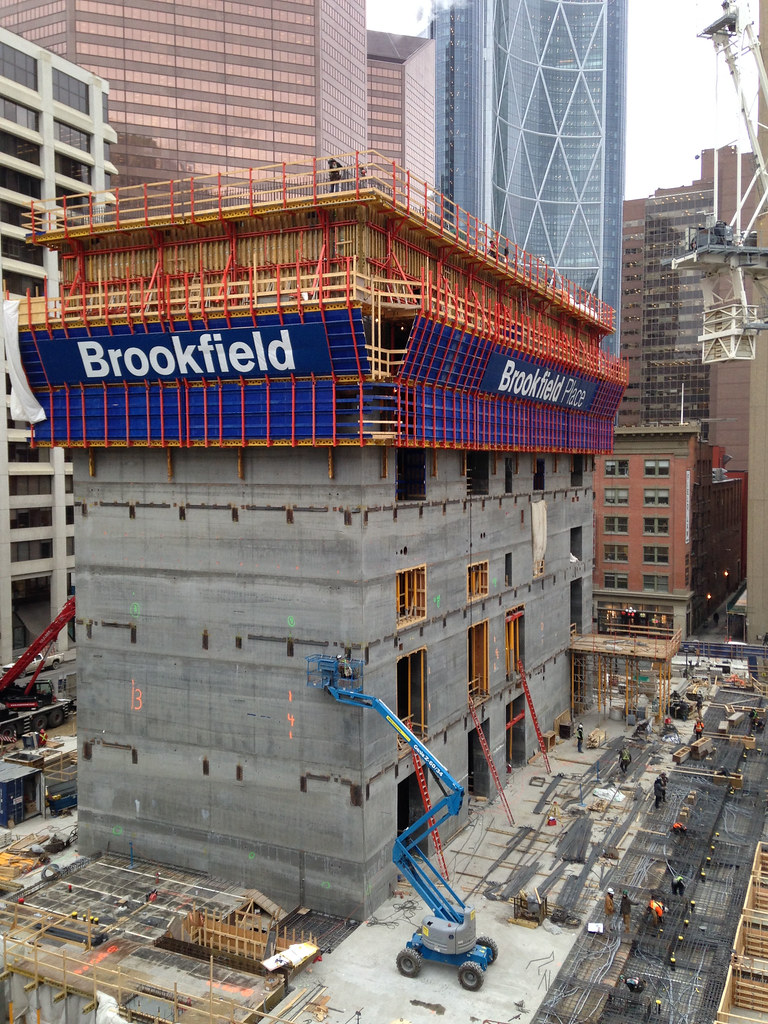
This works for Multivista webcams (like Brookfield and Manulife). The jpg isn't live but seems to be updated regularly throughout the day.
|
Thanks so much for the advice TC, I gave it a whirl, and I was able to dig up the link to the webcam directly, and was able to get the link to the .jpeg image, but only once for some reason?

After that one time, it now gives me different info when inspecting the element. It's not giving me access to the 'Parameters' any more.





 Prev
Prev











 Linear Mode
